Introduction
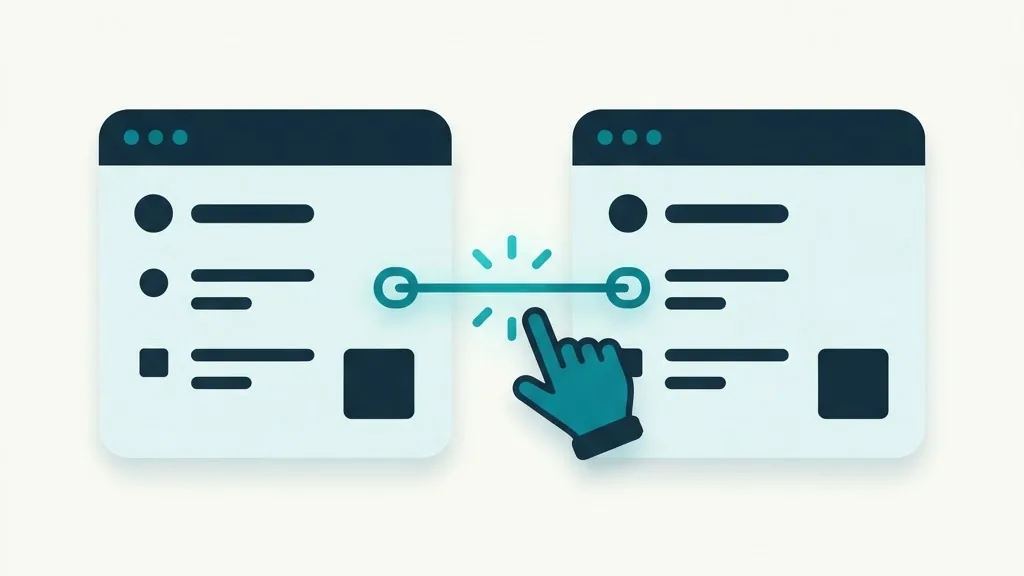
An internal link is a hyperlink that connects one web page to another page on the exact same domain name. When a visitor clicks an internal link on your site, they remain on your website, moving from one piece of content to another. For example, a link pointing from your homepage to your contact page is an internal link.
Understanding internal links is fundamental to website structure and search engine optimization. Internal links guide human visitors through your content, help search engine crawlers discover new pages, establish topic hierarchies, and distribute page authority throughout your site. This guide covers what internal links are, how they differ from external links, the distinction between navigation and contextual links, and how crawl paths work.
Internal Links vs. External Links
All links on the web connect two pages, but their direction and destination determine whether they are classified as internal or external. Understanding these differences helps you structure your site effectively.
Internal Links: Connect two URLs under the same root domain (for example, yourdomain.com/about linking to yourdomain.com/services). You have complete control over internal links, including anchor text, destination URLs, and link placement.
External Outbound Links: Connect a page on your domain to a page on an entirely different domain (for example, your blog linking to a reference article on wikipedia.org). Outbound links cite external sources and direct visitors off your site.
External Inbound Links (Backlinks): Connect an outside website to your website (for example, an industry news site linking to your homepage). Backlinks act as external votes of confidence, but you do not control them directly.
| Link Type | Source and Destination | Main Purpose | Level of Control |
|---|---|---|---|
| Internal Link | Same domain to same domain | Site navigation, content discovery, and distributing authority | Complete control over placement, target URL, and anchor text |
| External Outbound Link | Your domain to another domain | Citing sources, recommending tools, and linking off-site | Complete control over where you link outside your site |
| External Inbound Link (Backlink) | Another domain to your domain | Building external authority, trust signals, and referral traffic | Minimal control; depends on external publishers |
Navigation Links vs. Contextual Links
Internal links generally fall into two primary structural categories: navigation links and contextual links. Both are necessary, but they serve different user experience and search crawler functions.
Navigation Links
Navigation links form the structural framework of your website. They include main header menus, drop-down submenus, category sidebars, and footer link collections. Navigation links appear identically across dozens or hundreds of pages, allowing visitors to jump to core sections like product categories, contact forms, or legal policies from anywhere on the site.
Contextual Links
Contextual links are embedded directly inside body text paragraphs of blog posts or main content sections. When you write an article about web maintenance and include a link to your guide on WordPress security within a relevant sentence, that is a contextual link. Search engine crawlers place significant emphasis on contextual links because the surrounding sentence text gives rich topic context about the destination page.
How Internal Links Build Crawl Paths
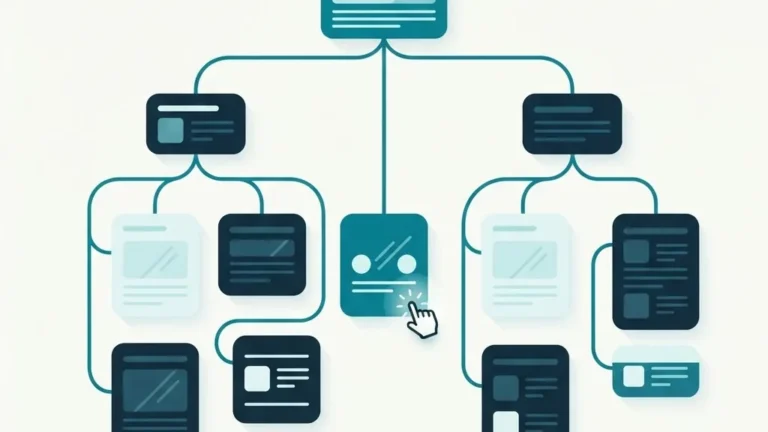
Search engines discover the web through crawlers that travel along hyperlinked pathways. When a crawler fetches a page, it extracts every internal link on that page and adds those URLs to its crawling queue.
A well-linked website creates clear, connected crawl paths. If every published article links logically to related articles and category hubs, crawlers can navigate your entire site efficiently. Conversely, if a page has zero internal links pointing to it, search engines struggle to discover it. Pages with no internal links are called orphan pages, and they rarely perform well in search listings.
Building clean crawl paths involves coordinating your internal links with your site structure. You can verify that your published URLs are accessible to crawlers by checking your sitemap with our sitemap validator tool. To detect broken internal links and crawl errors across your pages, run a check in our audit workspace, and learn how to fix link issues in our guide to reading your on-page SEO audit.
Nofollow Attributes and Internal Links
HTML links can include a attribute called rel="nofollow". Originally introduced to combat comment spam, rel="nofollow" tells search engine crawlers not to pass ranking signals or follow the link for crawl prioritization.
A common mistake made by website owners is applying rel="nofollow" to internal links on their own domain. Applying rel="nofollow" to internal navigation or contextual links prevents crawlers from using those links to explore your site. With rare exceptions (such as temporary staging links or paid promotional blocks), all internal links on your website should be standard follow links without a nofollow attribute.
Frequently Asked Questions
Can having too many internal links harm my website?
Including reasonable, natural internal links helps visitors and crawlers. However, jamming dozens of repetitive links into every paragraph creates visual clutter and dilutes link value. Focus on linking where it genuinely helps the reader find related information.
How many internal links should a blog post have?
There is no rigid rule. A short 500-word post might naturally include two or three relevant internal links, while a comprehensive 2,000-word guide might include six to ten. Link whenever you mention a topic covered elsewhere on your site.
Should internal links open in a new tab or the same tab?
Internal links should generally open in the same browser tab so visitors maintain predictable browser navigation. Opening every internal link in a new tab clutter visitor screens with dozens of open windows.
What is anchor text in an internal link?
Anchor text is the visible, clickable text of a hyperlink (for example, the words “free SEO audit” in a link). Descriptive anchor text helps human visitors and search crawlers understand what the target page covers before clicking.
Why is my new page not indexed despite having internal links?
Internal links help crawlers discover new pages, but indexation also depends on page quality, content uniqueness, server accessibility, and indexation directives like noindex tags.
Do internal links pass ranking signals between pages?
Yes. Internal links help search engines find pages, understand which pages you treat as important, and spread signals across your site. That is why a sensible structure with links from strong pages to key pages matters.
What is a hub page in internal linking?
A hub page is a main article that covers a broad topic and links out to the narrower articles around it, while those articles link back to the hub. It organizes a cluster of content so both people and crawlers can navigate it.
Should every page link back to the homepage?
Your site navigation already links every page to the homepage, so extra manual links are usually redundant. Contextual links between related articles are more valuable than repeating navigation links inside the text.
Key Takeaways
- Internal links connect pages on the same domain, while external links connect different domain names.
- Navigation links provide site structure, while contextual body links offer rich topic relevance.
- Crawlers use internal links to discover pages and establish efficient crawl pathways.
- Avoid applying
rel="nofollow"attributes to internal links on your own website. - You can check your crawl paths and detect broken internal links using our sitemap validator and audit workspace.